Understanding how Soft Builder works
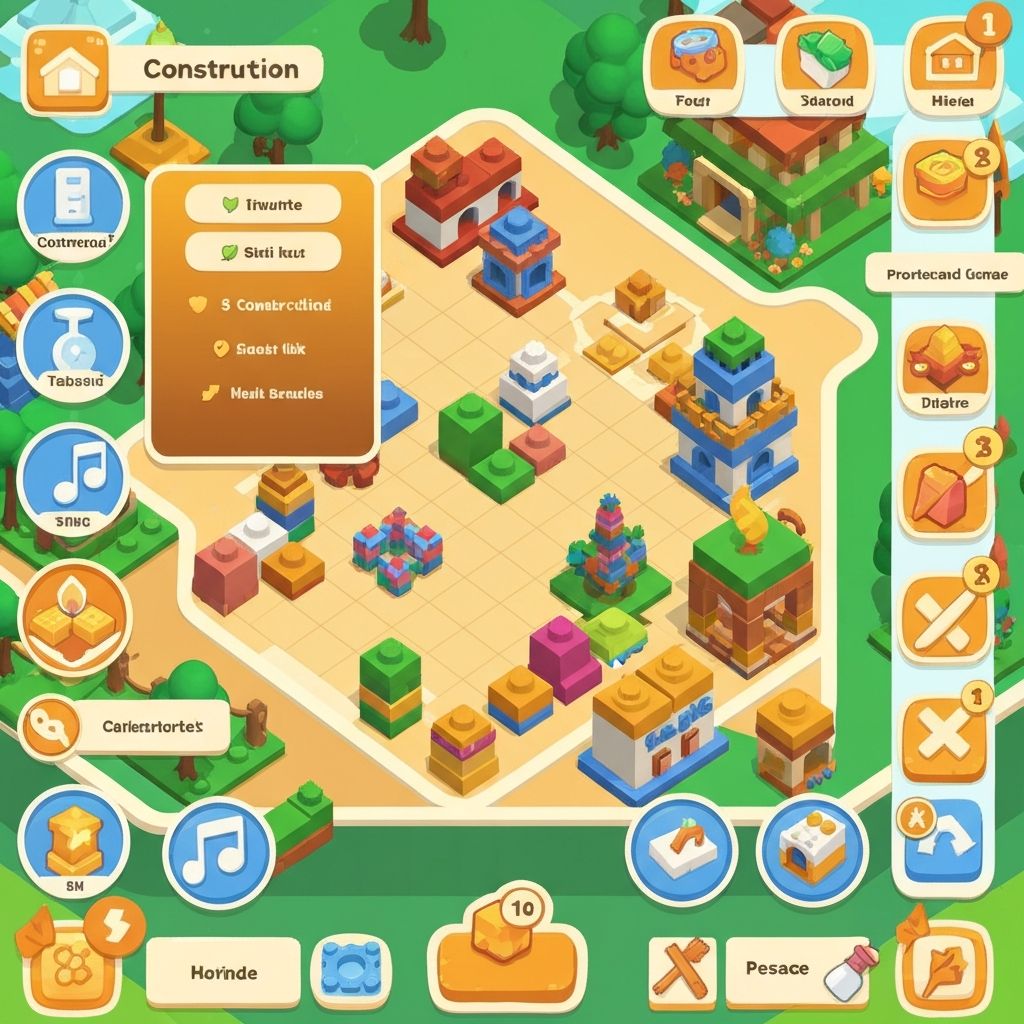
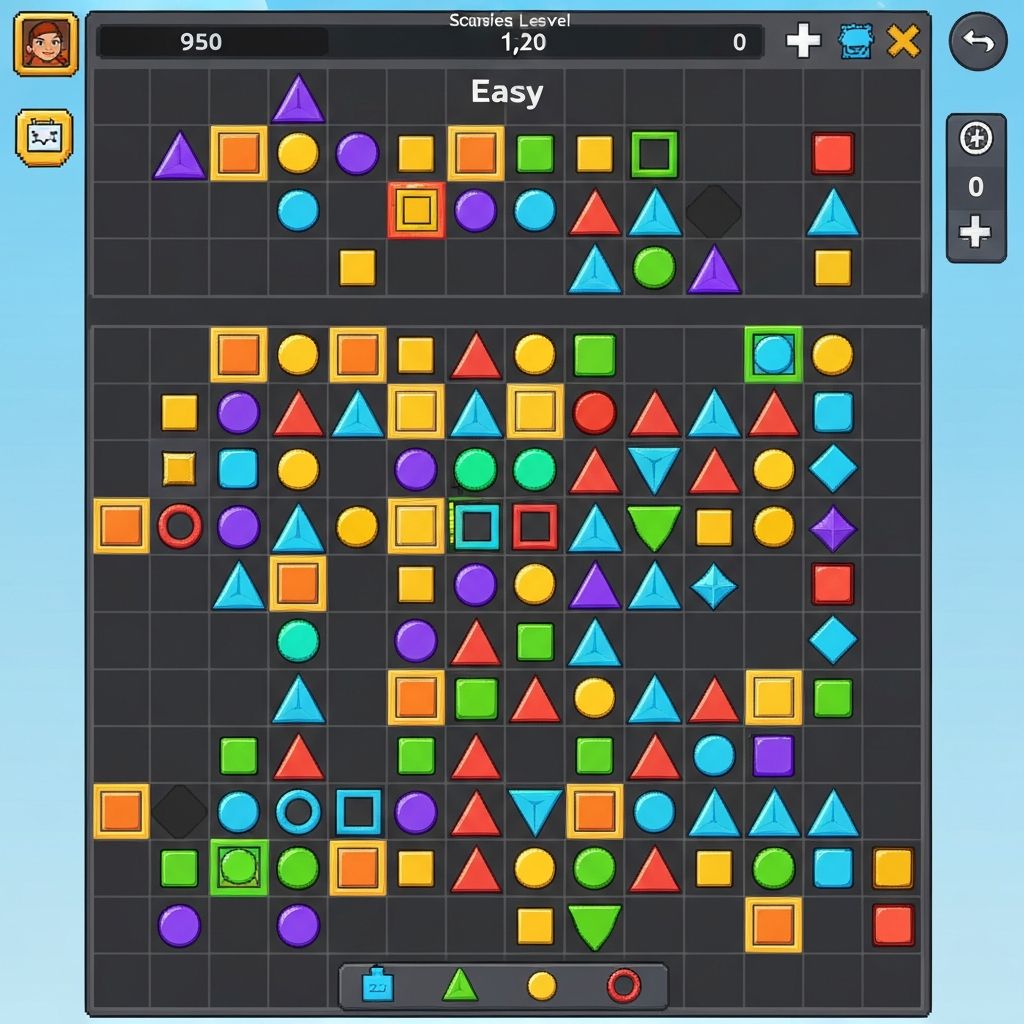
When playing Soft Builder, you see a clean workspace with basic shapes available for use. The screen is divided into two main areas: a selection zone where available elements appear, and a canvas where you place these elements.
The visual design is minimal to keep focus on the building process. Colors are soft, and the interface uses simple icons that clearly indicate what each element does.
As you add elements, the composition changes in real-time. You can see how shapes interact with each other and how the overall structure develops with each addition.
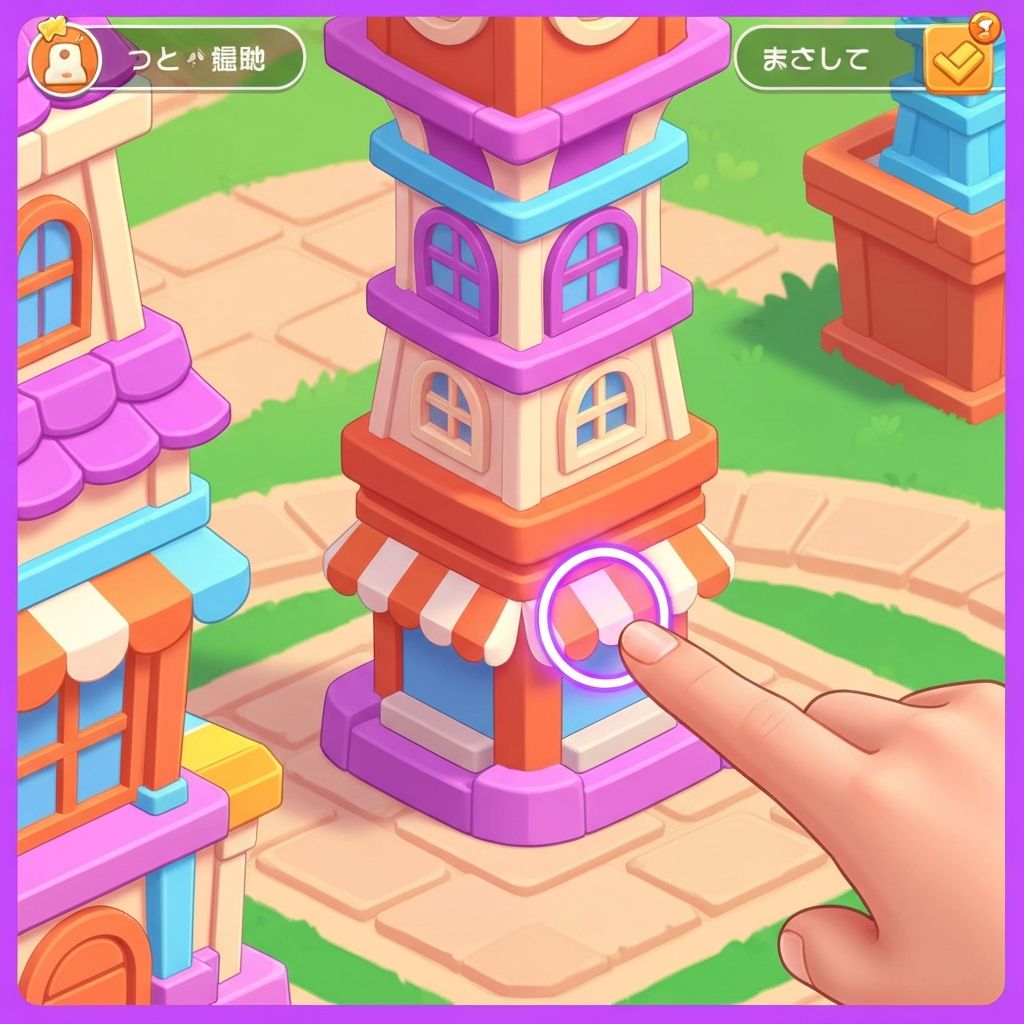
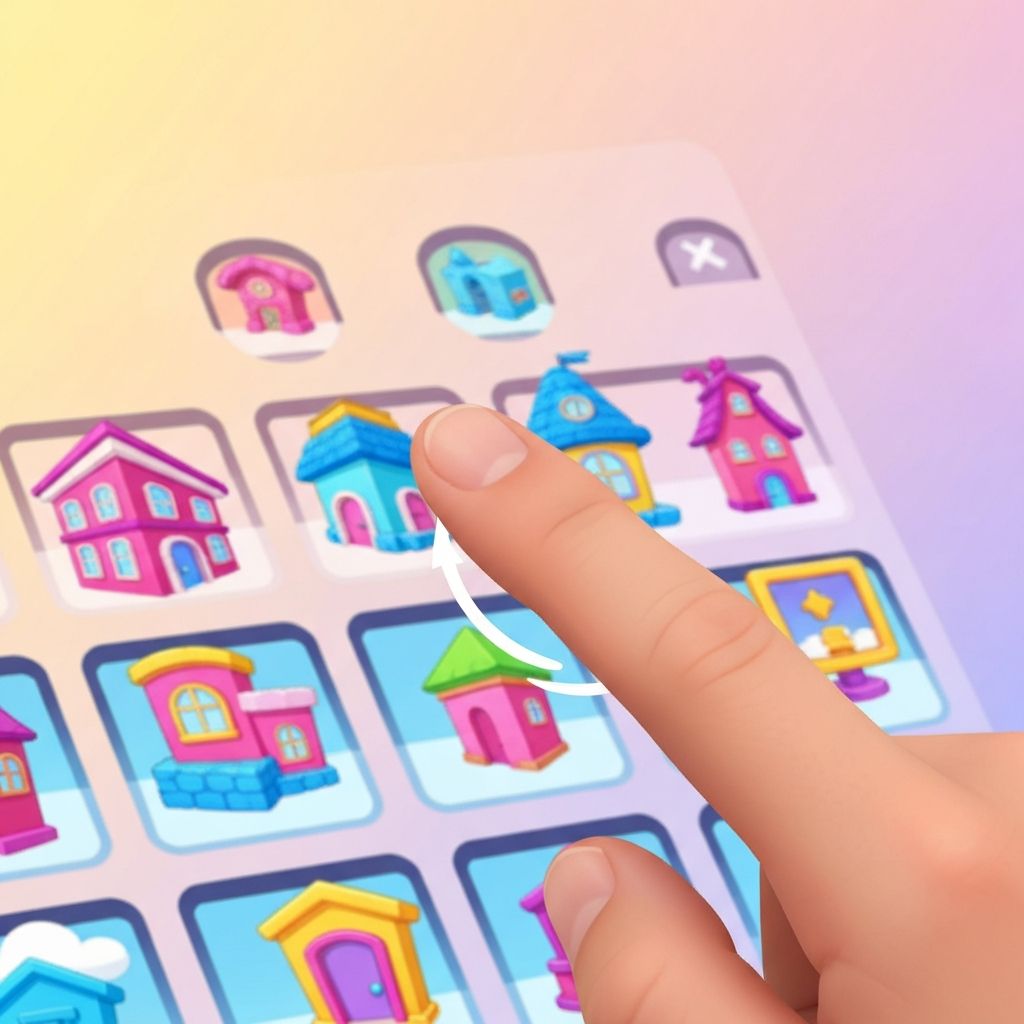
Players tap on elements to select them. A single tap usually highlights the chosen shape or opens a menu of options related to that element.
Tapping is the primary way to interact with interface buttons and select items from the available collection of shapes.
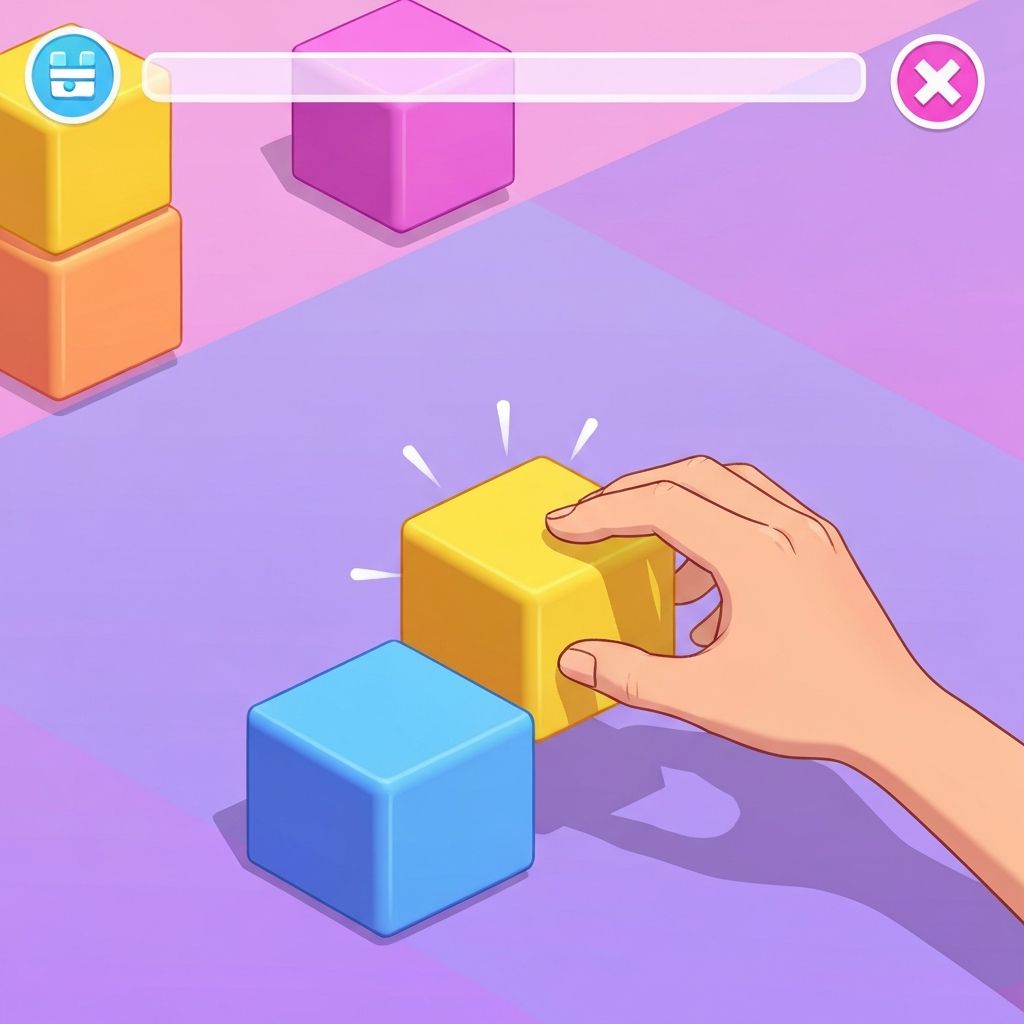
Swipe gestures are used to move elements across the screen. Players can swipe to drag shapes from the selection area onto the canvas.
Swiping also allows for repositioning elements that have already been placed, making it easy to adjust the composition.
After selecting a shape, players place it on the canvas by dragging it to the desired location and releasing.
The placement is immediate, and players can see the result right away. There is no confirmation step or delay in the process.
Between actions, players often pause to look at what they have created. This observation time is a natural part of the gameplay.
The game accommodates these pauses without prompting players to continue or take action, allowing for a relaxed pace.
The game launches quickly when opened. Players see either their previous creation or a blank canvas, depending on how the game was last used. The interface loads within a few seconds and is immediately ready for interaction.
Players begin by choosing from the available shapes. The selection area displays basic geometric forms and other simple elements. Tapping on any of these highlights it and makes it ready for placement.
During the main part of the session, players add elements to the canvas. Each addition changes the composition slightly. Some players work methodically, while others place shapes more spontaneously. Both approaches work equally well.
If desired, players can move or adjust elements they have already placed. The game allows for repositioning, making it easy to refine the composition as it develops.
Sessions end when players decide they are finished. There is no prompt to continue and no notification that the session should conclude. Players simply stop when they feel satisfied or when their available time runs out.
When placed, elements remain where you put them. They do not move on their own or react to time-based events. This static behavior makes the building process predictable and easy to control.
Elements may show basic interactions when placed near each other. These interactions are visual and do not require player intervention. They simply demonstrate how different shapes can complement or contrast with one another.
Soft Builder deliberately excludes elements that create time pressure or competitive stress.
There are no countdown timers urging players to complete actions quickly. There are no leaderboards comparing your creations to those of other players. There are no achievements that require completing specific tasks within time limits.
This design allows players to engage with the game at whatever pace feels comfortable. Some sessions might involve quick, spontaneous placement of shapes, while others might include longer periods of consideration between each action.
A player opens Soft Builder while waiting for their train. They spend 3 minutes adding shapes to their previous creation before their train arrives. They exit the game, and their progress is saved automatically.
During a work break, a player starts a new composition from a blank canvas. They place several elements, observe the result, make a few adjustments, and close the app after 5 minutes when their break ends.
Before bed, a player engages with the game for a few minutes as a way to transition from the day's activities. The simple, creative task provides a brief mental break without stimulating activity.
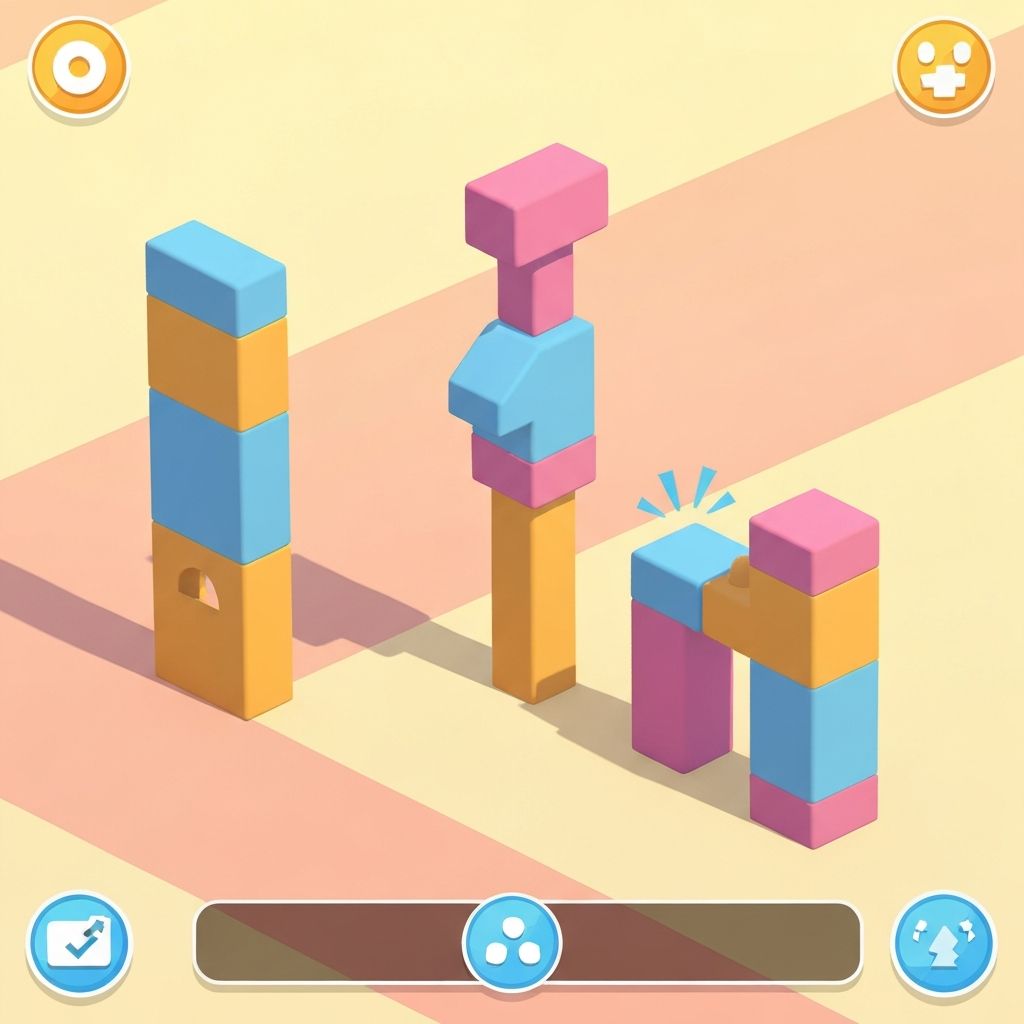
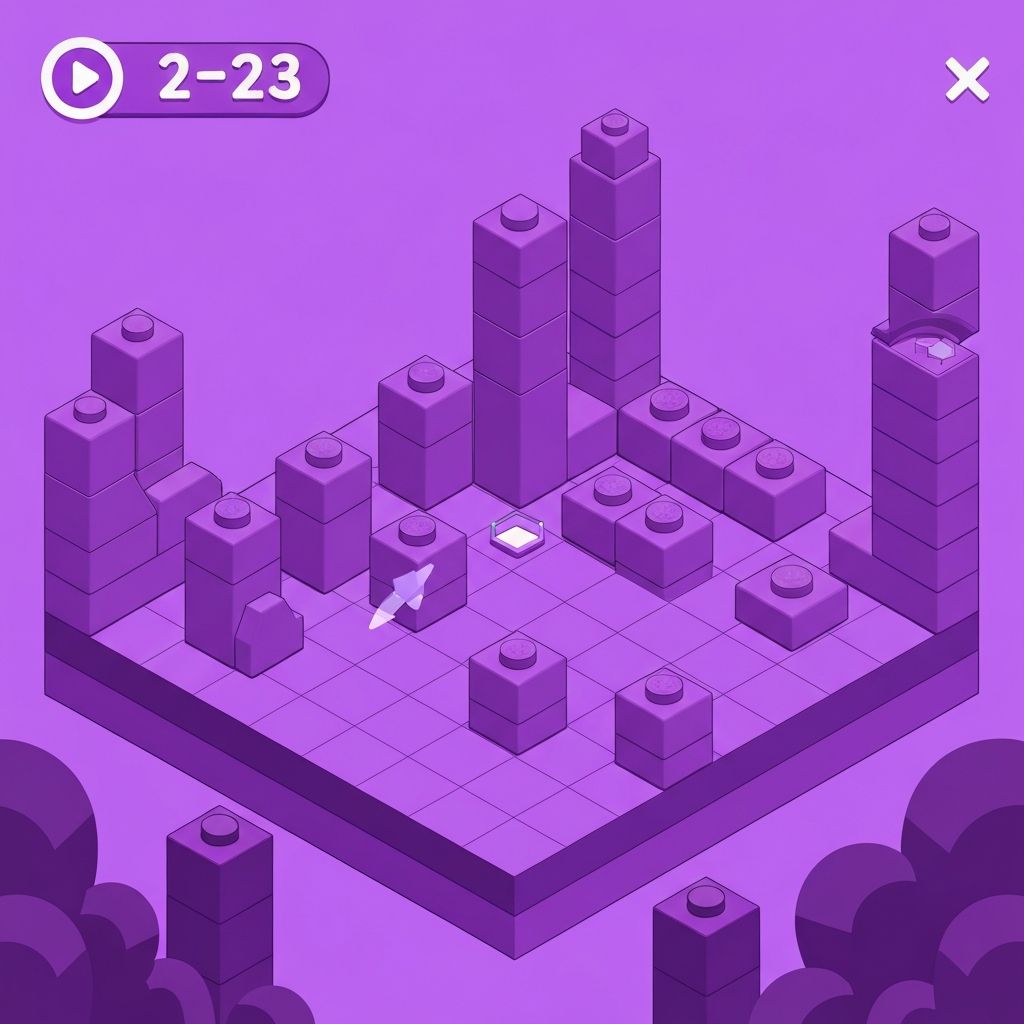
These images show typical gameplay moments from various sessions