Capabilities and functions of Soft Builder
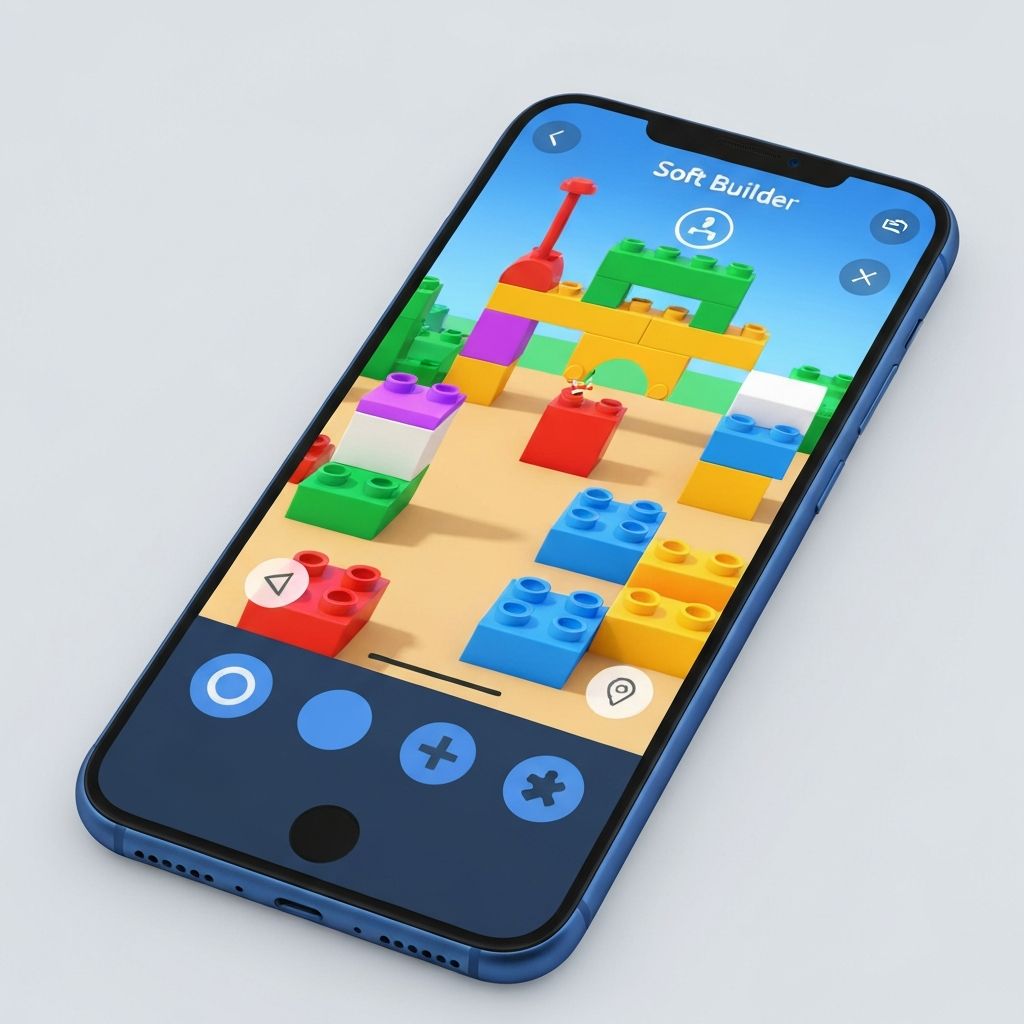
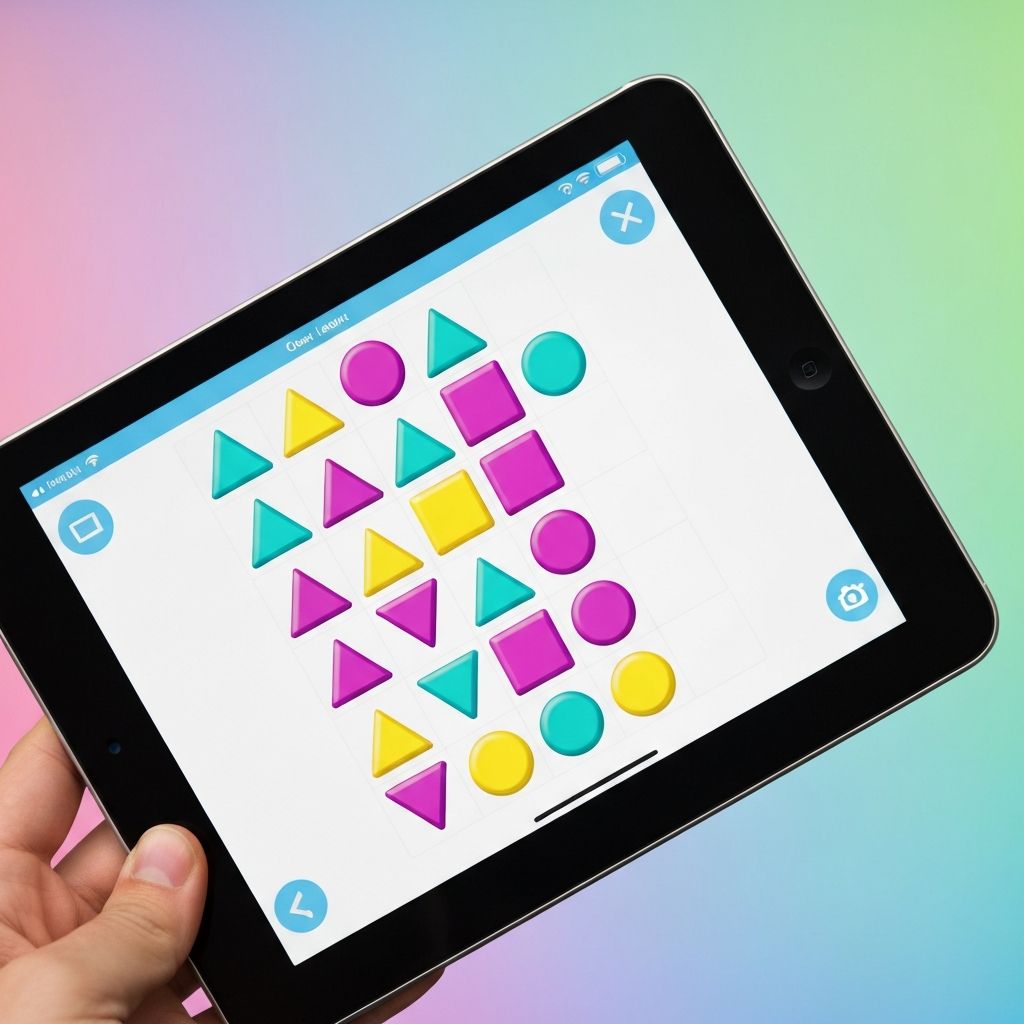
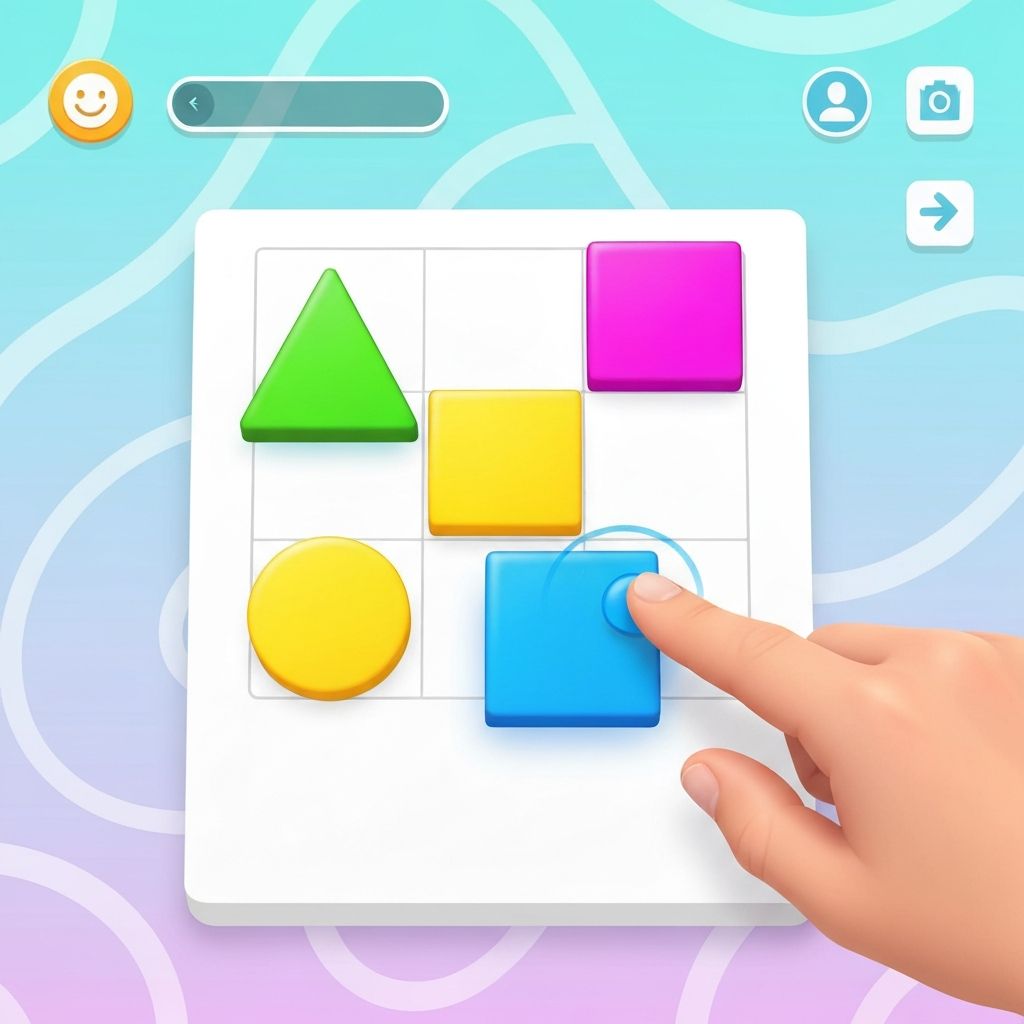
The primary interaction method uses familiar drag and drop gestures. Players select elements by tapping and move them by dragging across the screen.
This interface style is intuitive for most mobile device users and requires no learning period or tutorial.
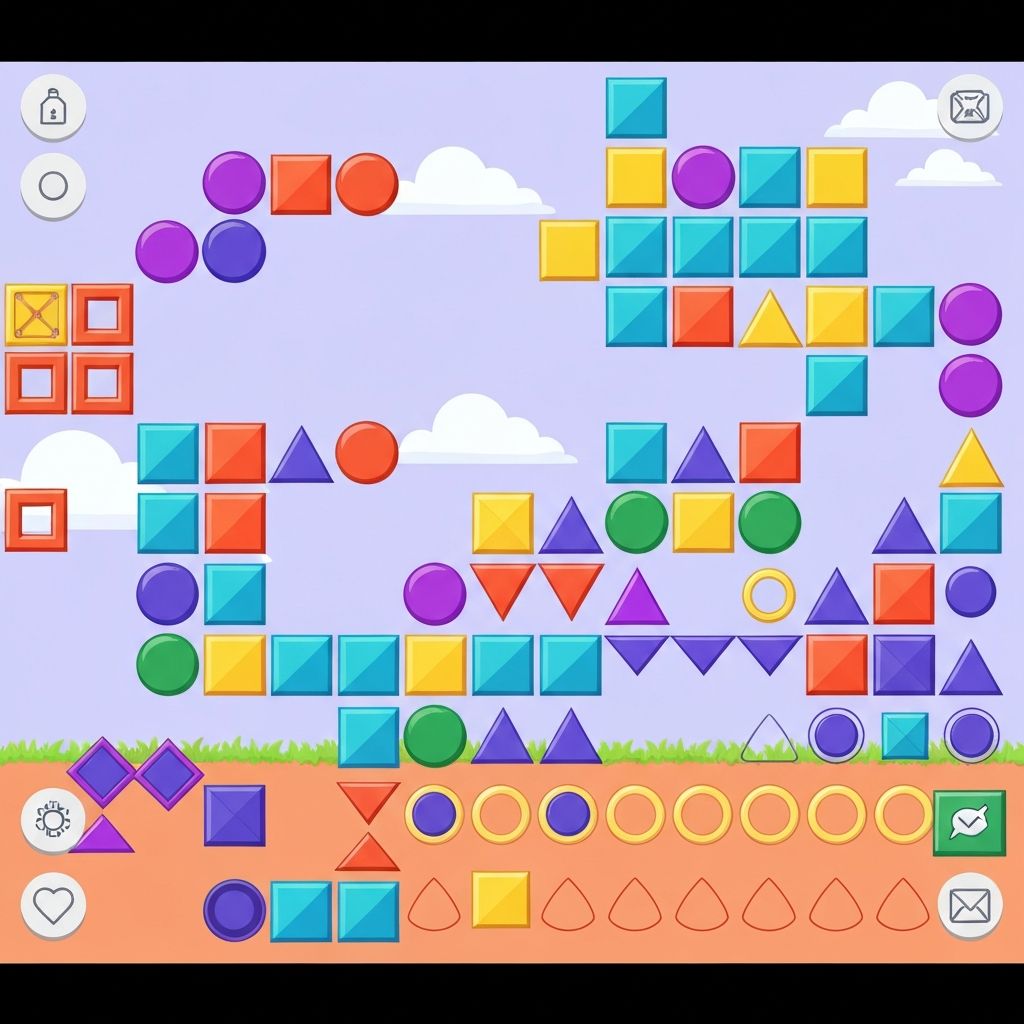
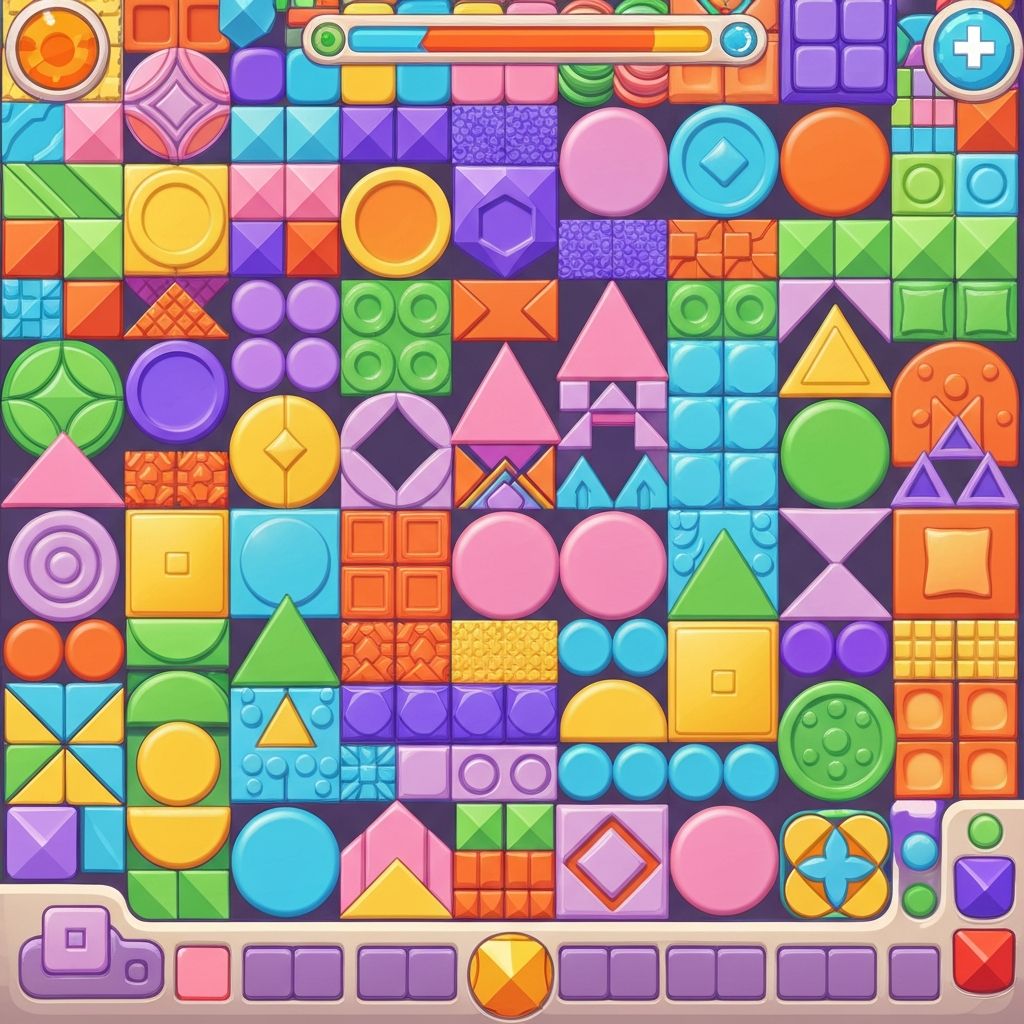
The game includes a collection of basic geometric shapes and simple forms. These elements serve as building blocks for compositions.
The library focuses on fundamental shapes rather than complex objects, maintaining the game's emphasis on simplicity.
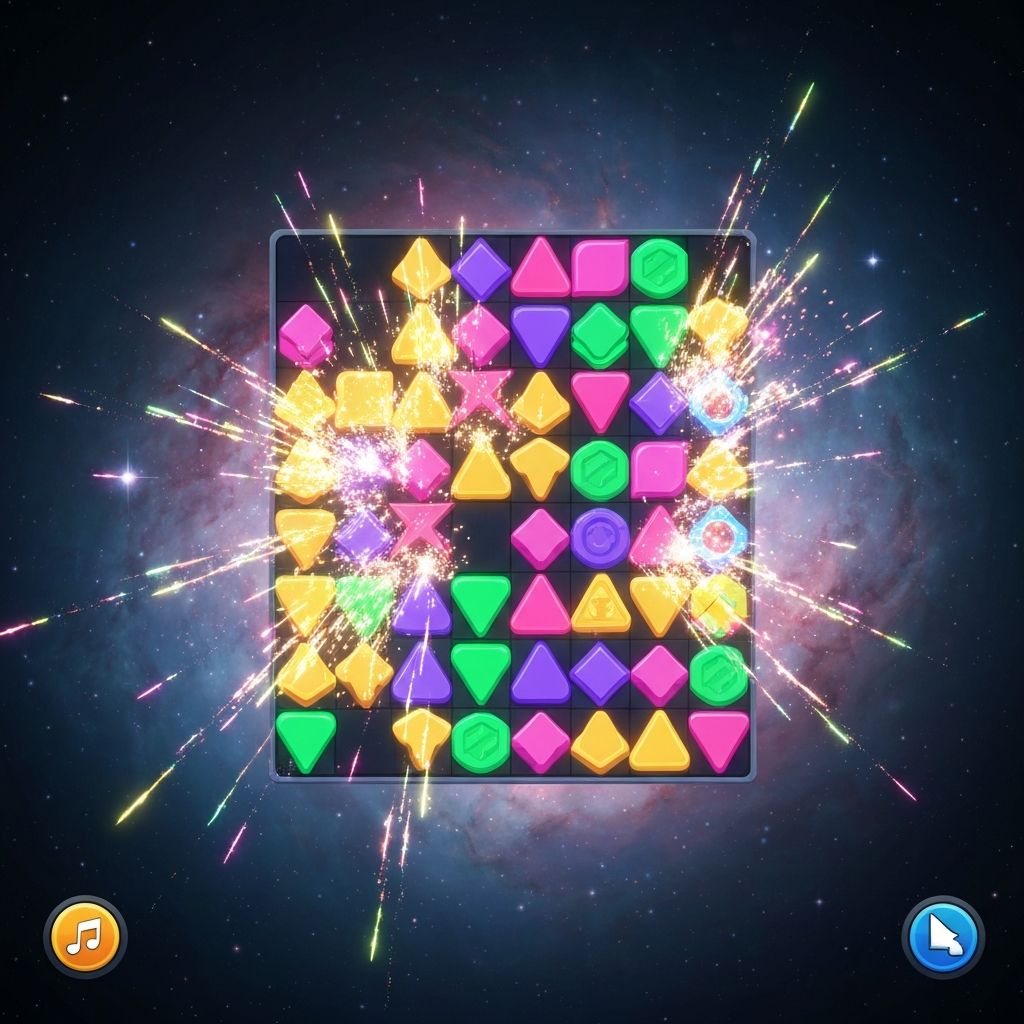
Soft Builder uses a gentle color palette with purple accents and bright but not overwhelming hues. The colors are selected to be visually pleasant without creating distraction.
Each shape type typically has its own color or set of colors, making it easy to distinguish between different elements at a glance.
When players interact with elements, the game provides subtle visual feedback. This might include highlighting when an element is selected or slight animations when shapes are placed.
The feedback is designed to be informative without being distracting or overly animated.
While Soft Builder uses a consistent interface, the compositions players create can vary significantly based on which elements they choose and how they arrange them.
Players can create simple arrangements using just a few elements. These minimal compositions often emphasize space and basic form relationships.
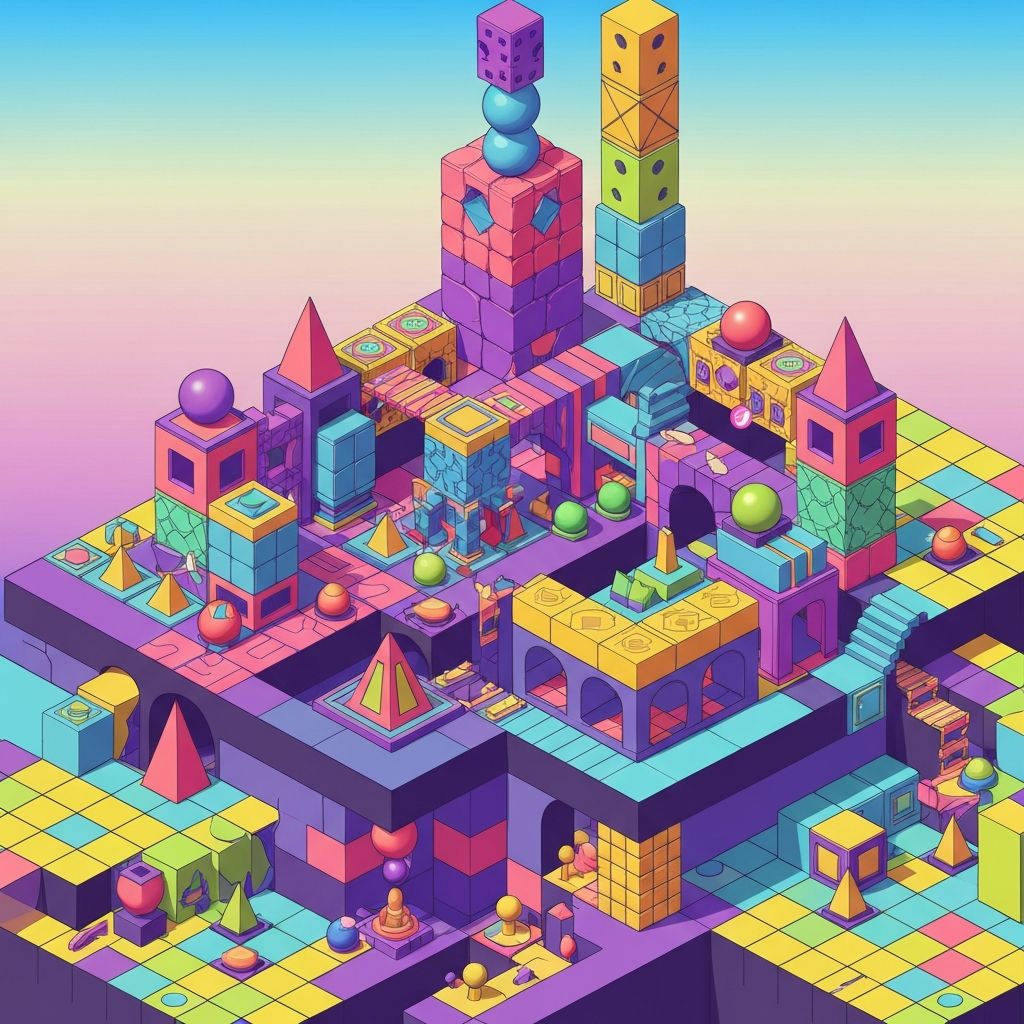
More complex creations involve multiple layers of shapes placed on top of or near each other, creating depth and visual interest.
Some players use many elements to fill most of the available space, creating dense compositions with numerous shapes and color combinations.
The interface is designed primarily for smartphone screens. Element sizing and spacing are optimized for typical phone dimensions, making the game comfortable to use with one hand when possible.
Touch targets are sized appropriately to avoid accidental selections while remaining easy to tap deliberately.
On larger tablet screens, the interface scales to use the additional space effectively. The canvas area expands, allowing for more extensive compositions.
The core mechanics remain the same across different screen sizes, ensuring a consistent experience.
All game controls use standard touch gestures. There are no complex multi-finger gestures or precise timing requirements. Players interact through simple taps and drags that work reliably across different devices.
The game includes only essential buttons for basic functions. This reduced interface keeps the screen uncluttered and makes navigation straightforward.
Actions produce immediate results. When you place a shape, it appears instantly. When you tap a button, the corresponding action happens right away without loading delays.
The game launches quickly and is ready for interaction within seconds. There are no mandatory loading screens or splash animations that delay the start of play.
This quick start time makes the game suitable for very brief moments of free time.
Players can exit the game at any time without losing their current composition. The state is typically saved automatically, allowing players to return later if they wish.
There are no penalties for closing the app mid-session or leaving a composition incomplete.
To maintain its focus on simple, casual gameplay, Soft Builder intentionally excludes certain common game features:
These exclusions are intentional design choices that support the game's casual, pressure-free approach.